
Bug reportingLive
A bug report
with the whole picture.
“It broke” is a start. Show the moment, add the context and let your team work from the same evidence.
Embed in your app. Review before sending. Triage with your team.
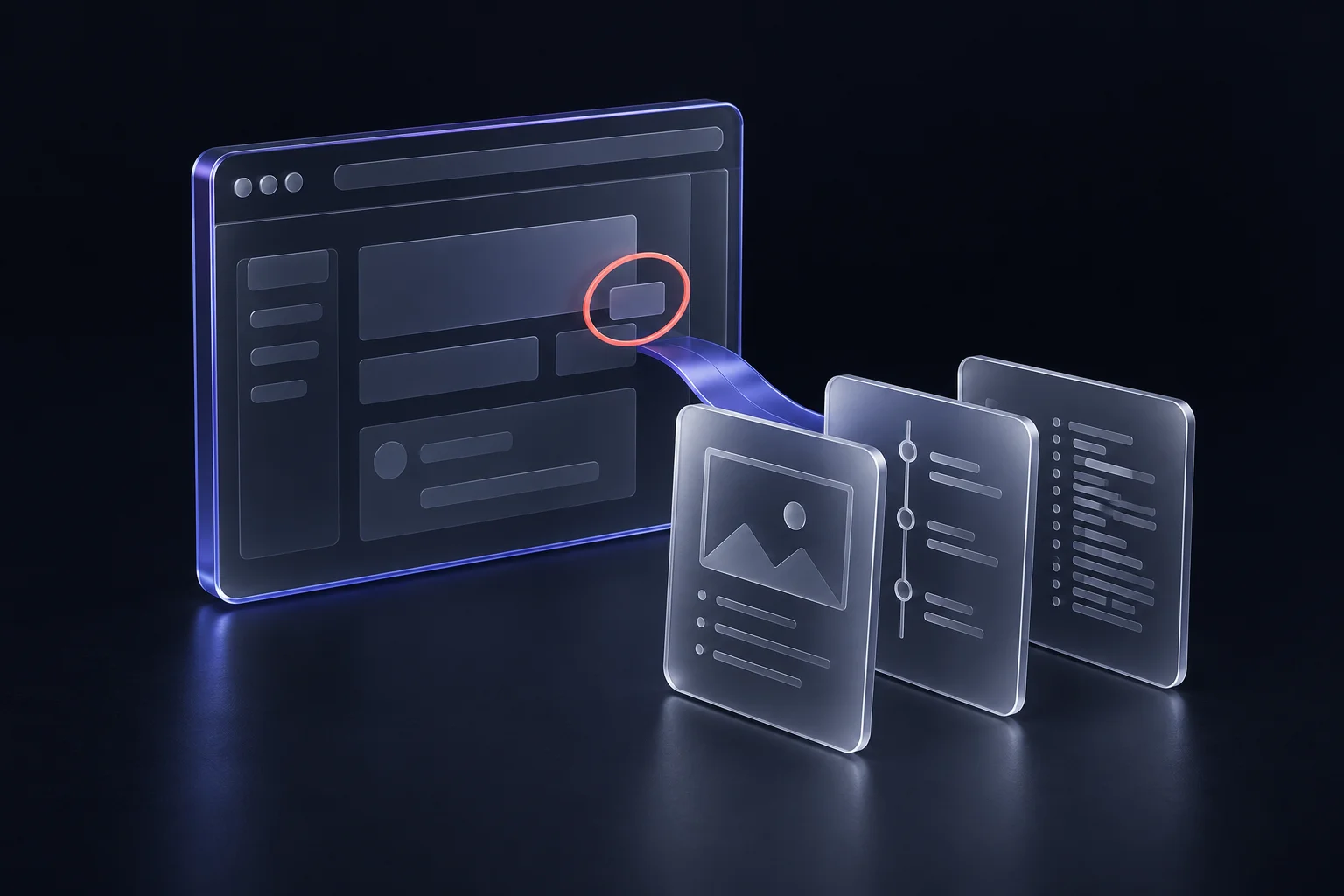
Bug reporting
Less back-and-forth.
Better bug reports.
Show what went wrong, review the evidence and give your team a clearer starting point.
Read the workflow
- Capture. Open Clippy, describe the problem, annotate a screenshot and record the failing steps.
- Review. Review the masked images, clip and captured diagnostics. Confirm the evidence before sending.
- Triage. Open the saved private report and update its status, with evidence and context in one place.
Show what went wrong.
Draw on the current page, capture a screenshot or record a short sequence with optional narration. Add what you expected to happen.
Review before you send.
Inspect your images, clips and diagnostics. Hide private details, confirm the review and send the evidence you mean to share.
- Screenshot reviewed
- Private details hidden
- Diagnostics checked
Send it to the right project.
Your workspace keeps the report together. Review a ticket manually, or configure eligible reports for automatic Jira delivery.
- Project
- Customer portal
- Destination
- Jira · APP · Bug
- Publishing
- Manual review
Add the helper
to your app.
Set up a workspace, register the app’s allowed origins and use its environment-specific publishable key. Choose HTML, a browser module or Next.js.
Follow the installation guideHTML · example publishable key
<script defer
  src="https://tautau.xyz/sdk/latest/tautau.js"
  data-tautau-key="tt_pub_YOUR_ENVIRONMENT_KEY">
</script>Useful context.
Deliberate sharing.
Diagnostics include bounded console messages, navigation and request timing. The helper doesn’t read form values, request bodies, headers, cookies or browser storage.
Captured pixels can still contain private information. Review them and use opaque masks before sending. Team evidence stays private; external links depend on workspace policy and can expire or be revoked.
Understand capture and privacyBefore the next report.
Can reporters stay guests?
Yes. The helper supports guest reports. A reporter can also link their tautau account through a consented sign-in. A project can restrict automatic Jira publishing to signed-in reports.
Does Jira receive the attachments?
The ticket includes the problem, expected behaviour, context and a private link back to the tautau report. Jira access alone does not grant access to the private evidence. Your team can review the exact ticket body and destination before manual publishing.
Can I review a ticket first?
Yes. New destinations start in manual mode. Review the destination and body, then confirm ticket creation. Teams can enable automatic Jira publishing for eligible completed reports once the project is configured.
Does the helper record everything?
No. Screen and microphone capture require a deliberate action and browser permission. Diagnostics are bounded and exclude form values, request bodies, headers, cookies and browser storage. Captured pixels and diagnostic text still need review for sensitive details.